

How does it look like?
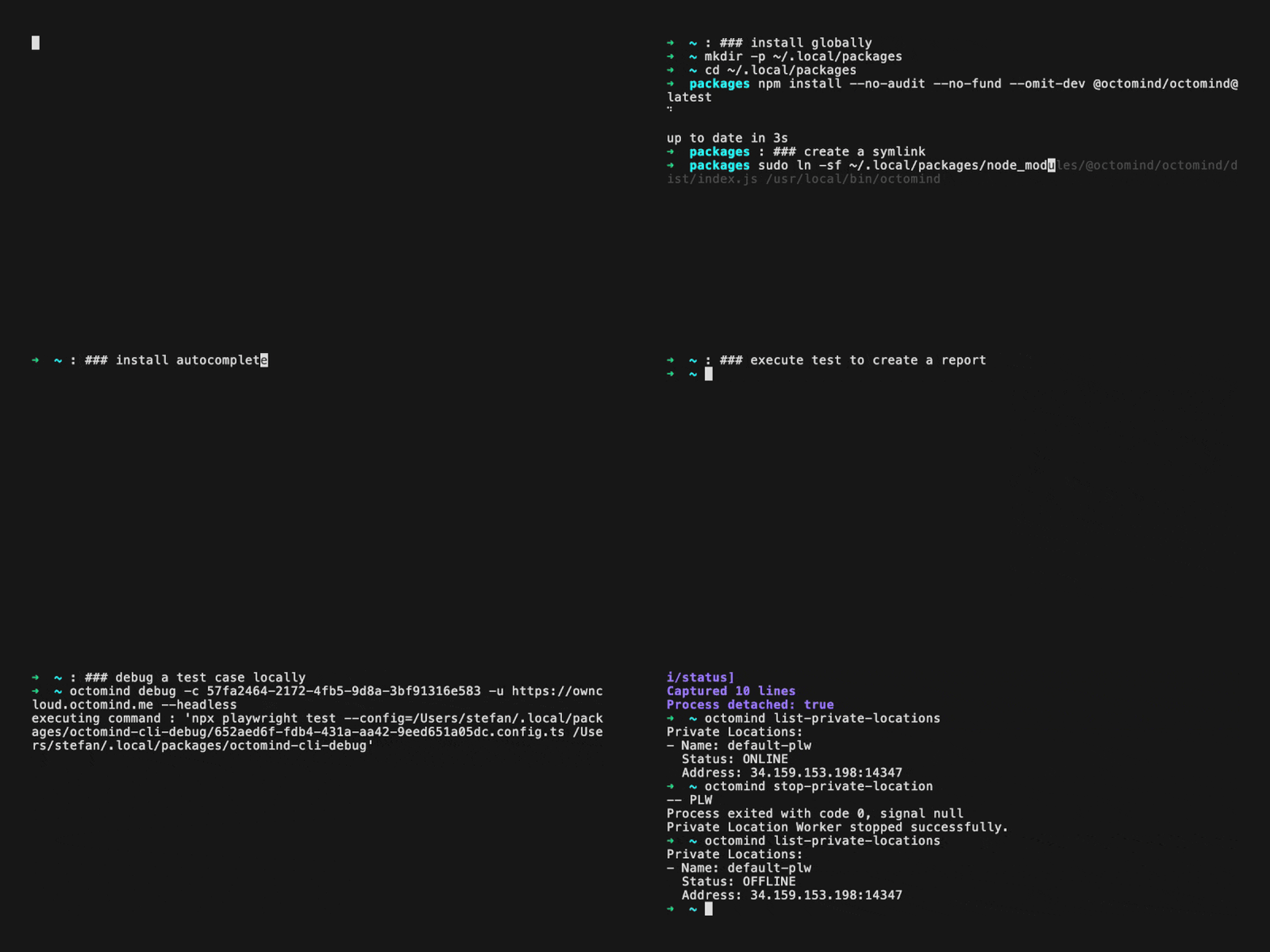
Example of octomind cli tool, 08/2025
Installation
- To install the package globally do NOT just a
npm i -g @octomind/octomindbut instead
~/.local/packages and create symlinks in /usr/local/bin or creates an alias.
This is necessary for the cli to work and avoid dependency conflicts, when installing the package globally.
- Use the cli through npx e.g.
npx @octomind/octomind -h
Initializing the CLI
After installing the CLI, you need to initialize it by setting up your API key and optionally a test target ID. This configuration allows you to avoid passing these parameters for subsequent commands.Options
-k, --api-key: Your Octomind API key (will prompt if not provided)-t, --test-target-id: Test target ID (optional)-f, --force: Force overwrite existing configuration
Getting Your API Key
Example
Autocompletion
On macOS and linux you can enable autocompletion by running the following command (works for bash, zsh & fish):npx @octomind/octomind init.
This way even entityIds like environmentIds or testCaseIds will be autocompleted.